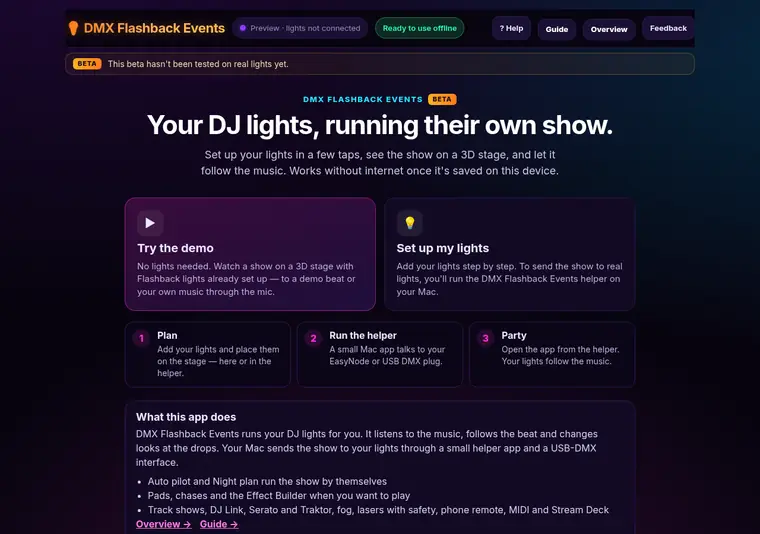
Easy setup
Step-by-step setup, a 3D stage and a demo with no lights needed. How it works →
DMX Flashback Events · beta
DMX Flashback Events listens to your music and runs your lights in time with it: looks that follow the beat, hits on the drops, and a show you can plan for every song.
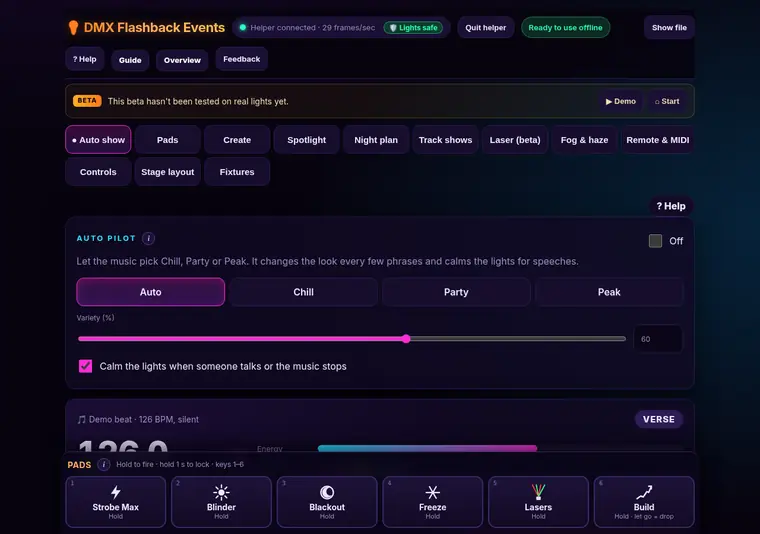
A light show app for mobile DJs and party hosts. You set up your lights once, and then the app runs them: on its own with Auto pilot, from pads when you want to play, or from a timeline you plan for each song. A small helper app on your Mac sends the show to your lights.
Phone or iPad? You can watch the show and use the remote from them, with the Mac running the lights.
Step-by-step setup, a 3D stage and a demo with no lights needed. How it works →

6-Arm Hybrid and Abyss, Moving Head 441 and Bee-Eye 6×15 are ready to go. Import other lights from grandMA2 or Avolites files. How it works →
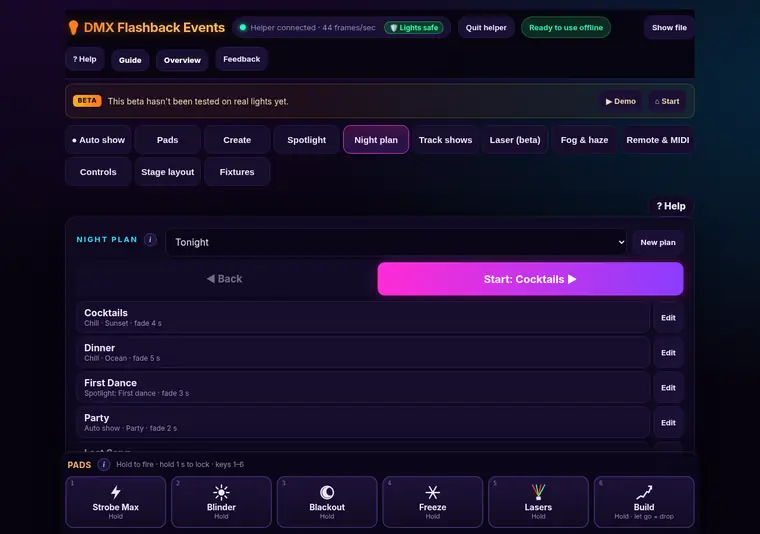
The lights follow the beat and pick the mood. Plan the moments of your night with one tap each. How it works →
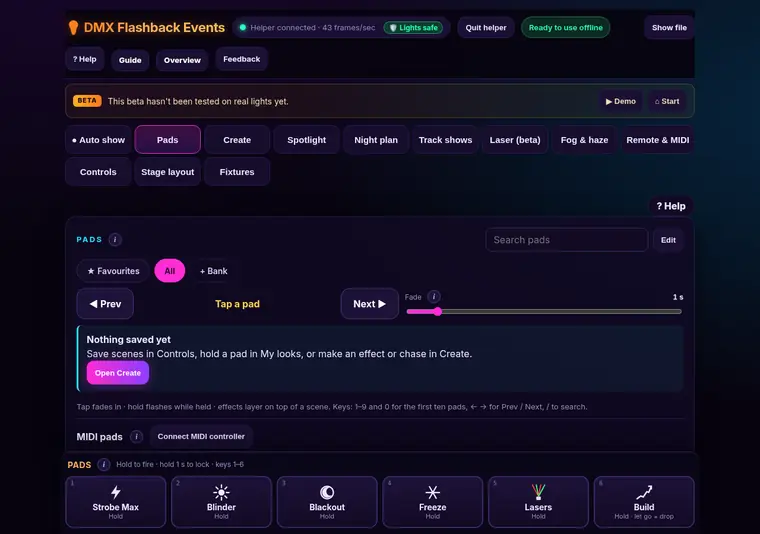
Hold a pad for a strobe or blinder. Build your own effects and chases. How it works →
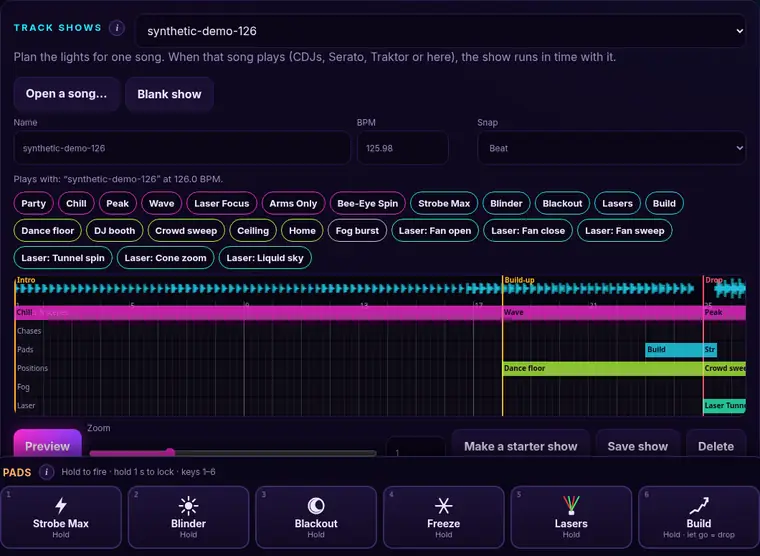
Open a song, get its drops and breaks, and plan the lights on a timeline. It plays when the song plays. How it works →
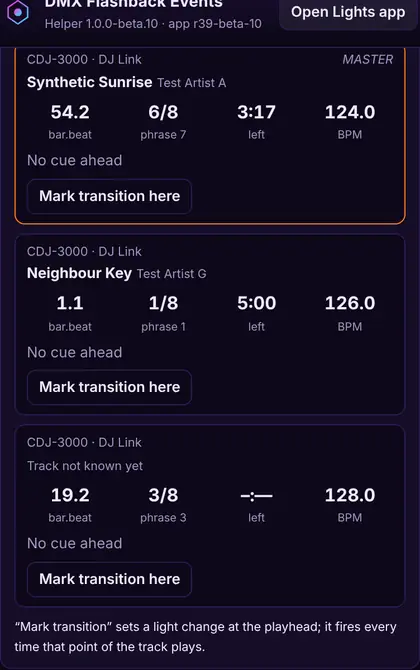
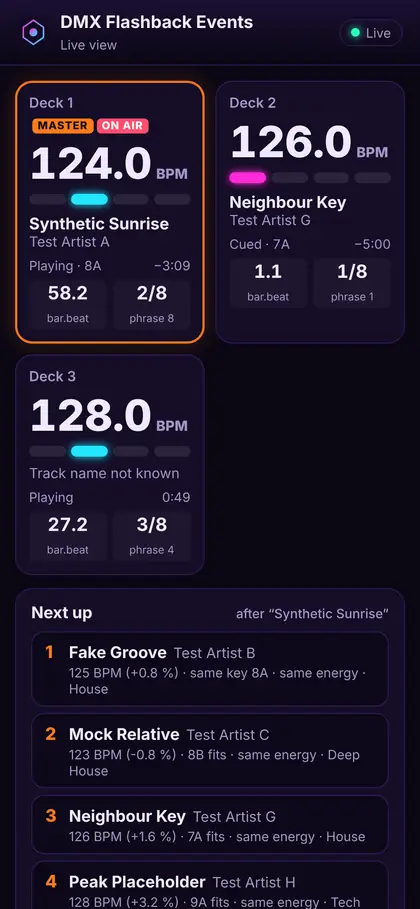
Locks to your CDJs, Serato or Traktor: BPM, beats, phrases, time left and next-song ideas. How it works →
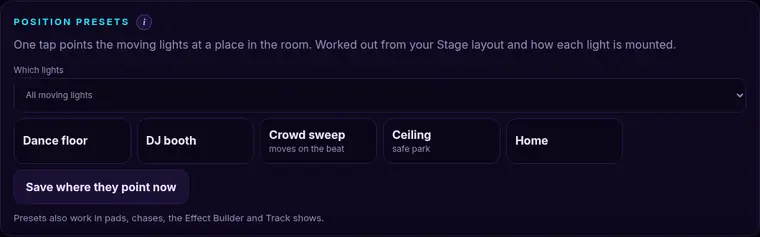
Set your room, drag lights into place, and aim moving heads with position presets. How it works →
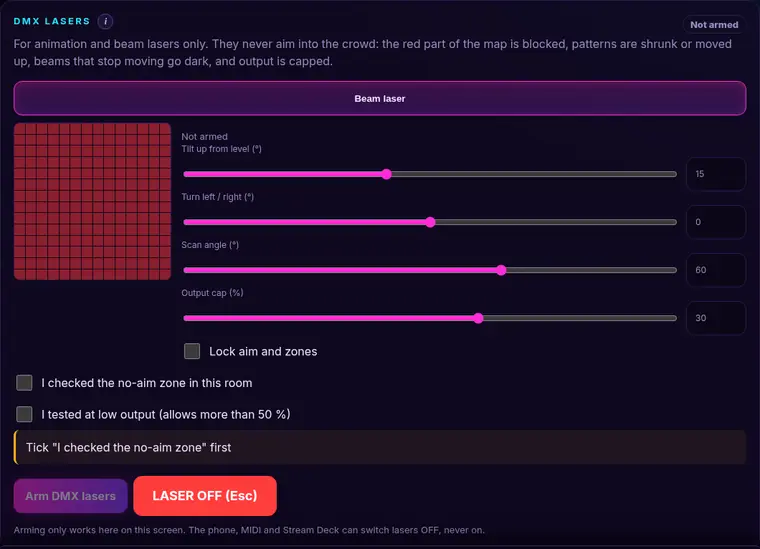
Safe height, low-power test, no-aim zones and LASER OFF on Esc. Only you can arm them. How it works →
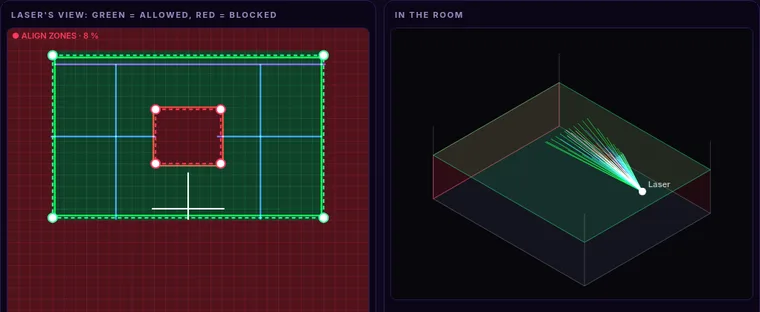
Align zones projects your zone outlines and a grid at very low power. Drag the corners until they match the room, then lock them. How it works →
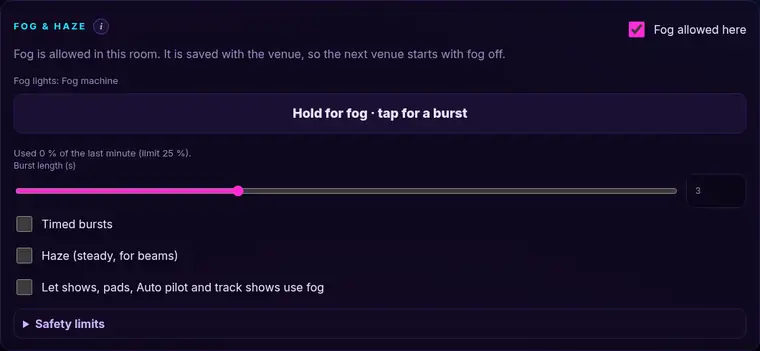
Off until you allow it for the venue. Hold for fog, tap for a burst, with limits built in. How it works →
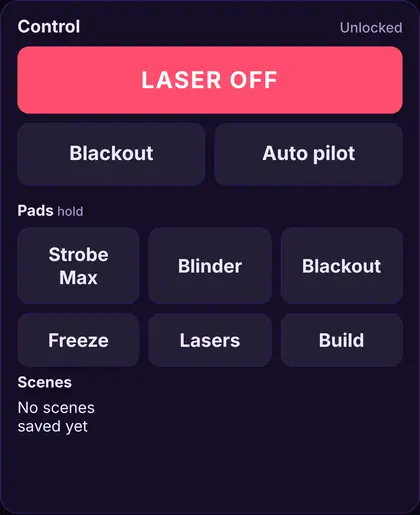
See the decks on your phone. Fire pads, Blackout and LASER OFF from it, with its own PIN. How it works →
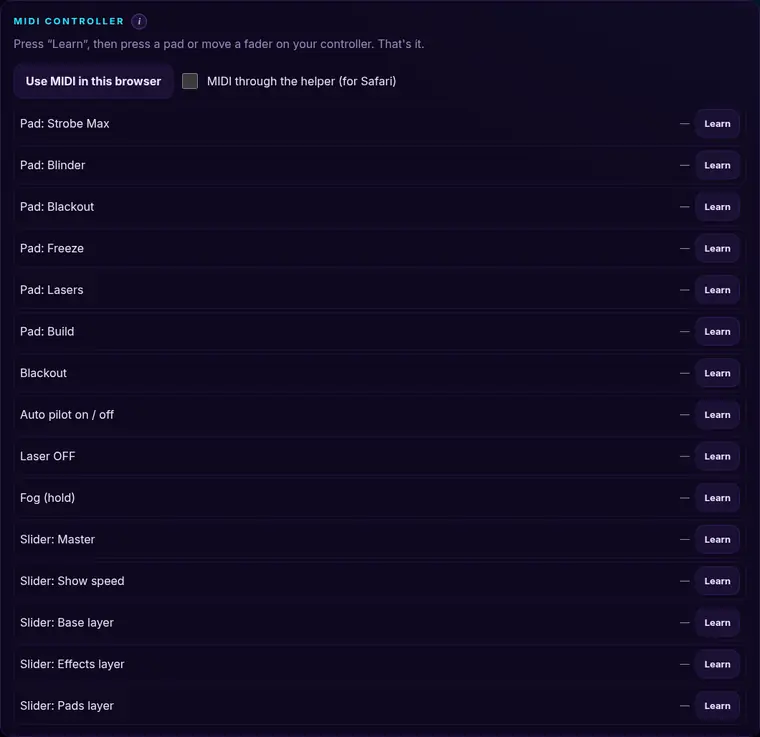
Learn any button on your MIDI controller. Stream Deck buttons with one copied link. How it works →
No. Once opened, the app works offline, and the helper has its own copy.
Flashback lights with a built-in profile work out of the box. Other DMX lights work via the profile editor, a generic profile, or an imported grandMA2 / Avolites file.
Lasers stay off until you arm them on the app screen, never aim below the safe height, and stop with LASER OFF or Esc.
Pioneer DJ Link (CDJs / XDJs), Serato and Traktor, plus MIDI clock. Or just let it listen through the mic.
More answers in the guide.
Free during the beta. Support the app by shopping Flashback lights. Models with a built-in profile work out of the box; other DMX lights work via the profile editor.
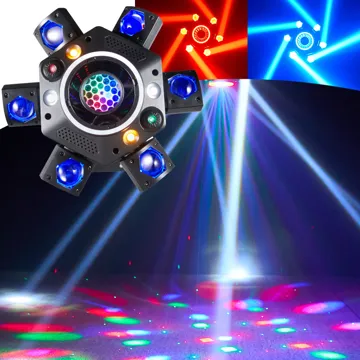 120W 6-Arm Moving Head DJ LightBuilt-in profile
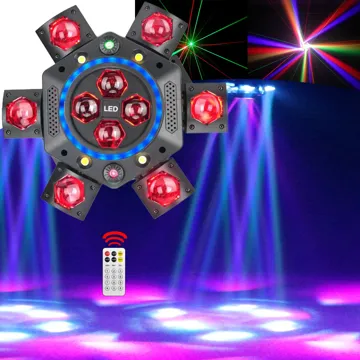 150W 6-Arm Moving Head DJ Light with LED HaloBuilt-in profile
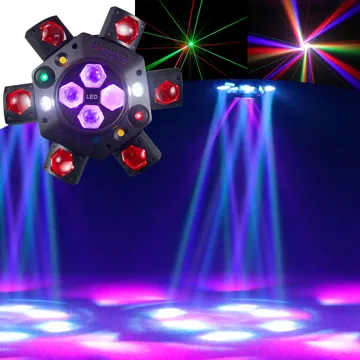 150W 6-Arm Moving Head DJ LightBuilt-in profile
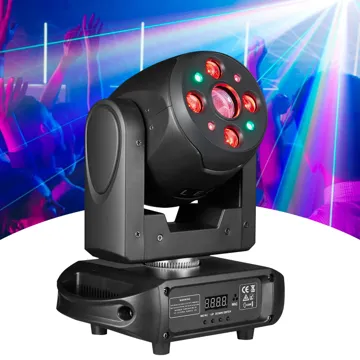 120W Beam Moving Head DJ LightBuilt-in profile
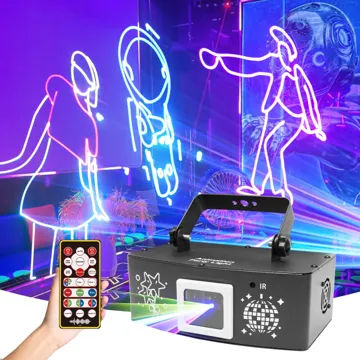 1W Full-Color RGB Animated Laser DJ LightWorks via the profile editor
 7-Eye 3-in-1 Disco Ball Party LightWorks via the profile editor
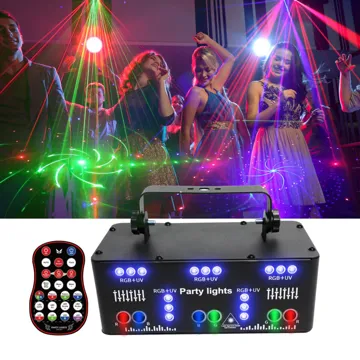 21-Eye LED Laser Strobe Party LightWorks via the profile editor
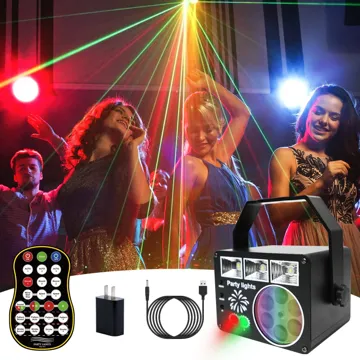 3-in-1 USB Party Light
If you prefer to shop on Amazon 👉 Shop our Amazon store here
Follow us: Instagram TikTok YouTube · Get updates